Learn how to apply on css.pitc.com.pk for electricity bill subsidy with this updated 2026 step-by-step registration guide. This updated guide explains how to apply for PITC electricity subsidy online using your CNIC, electricity bill reference number, mobile number, and QR code verification.
You will learn the complete registration process, eligibility rules, required documents, SMS confirmation method, and solutions for common portal errors. The article also covers BISP-linked verification, scam warnings, and important tips that can help avoid application rejection.
If you want to register on css pitc com pk without visiting offices or paying agents, this guide explains everything in a simple and practical way.
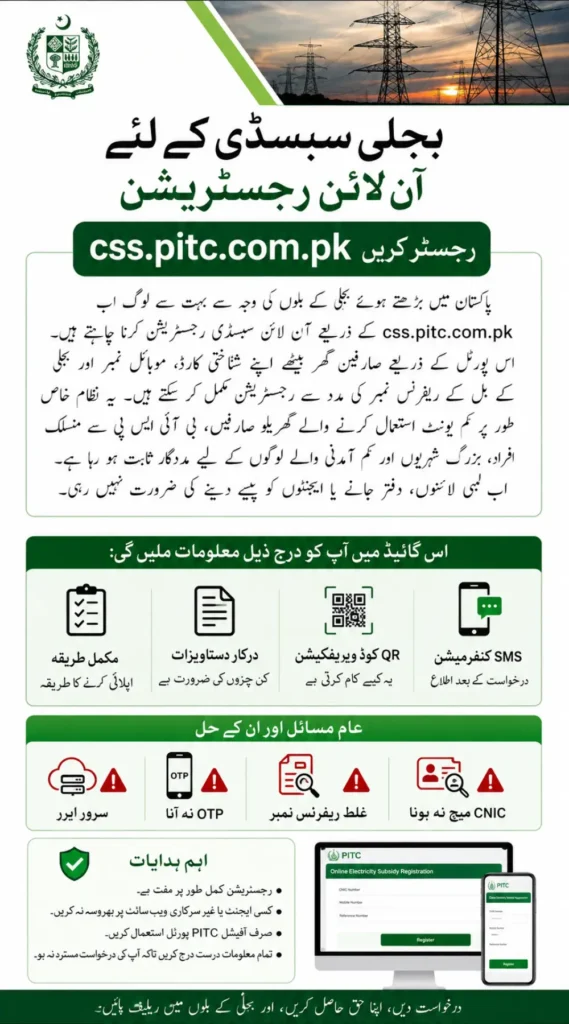
What Is CSS.PITC.COM.PK?
The css.pitc.com.pk portal is part of Pakistan’s electricity support and verification system managed through PITC (Power Information Technology Company).
The portal helps eligible residential consumers apply for electricity bill subsidy-related programs online. Instead of manual paperwork, the system verifies users digitally through:
- Electricity usage records
- CNIC verification
- Linked mobile number
- Government databases
- Support program records like BISP
The system is mainly designed for low-income households using limited electricity units every month.
Who Can Apply for PITC Electricity Subsidy?
Not every electricity connection qualifies automatically. The subsidy system mainly targets deserving residential consumers.
You may qualify if:
- Your monthly electricity usage remains within the allowed limit
- Your CNIC is valid and active
- Your electricity meter is residential
- Your bill reference number is correct
- Your mobile number is active
- Your household falls under low-income criteria
- You are linked with support programs like BISP or similar schemes
Commercial meters and heavy electricity users are usually excluded from subsidy preference.
Required Documents Before Registration
Before opening the portal, keep these details ready to avoid verification failure.
| Requirement | Details |
|---|---|
| CNIC | Original valid CNIC |
| Electricity Bill | Latest bill copy |
| Reference Number | Printed on electricity bill |
| Mobile Number | Active SIM registered on your name |
| BISP Details | If applicable |
A large number of applications fail because users enter the wrong reference number or incorrect CNIC digits. Double-check everything carefully before submission.
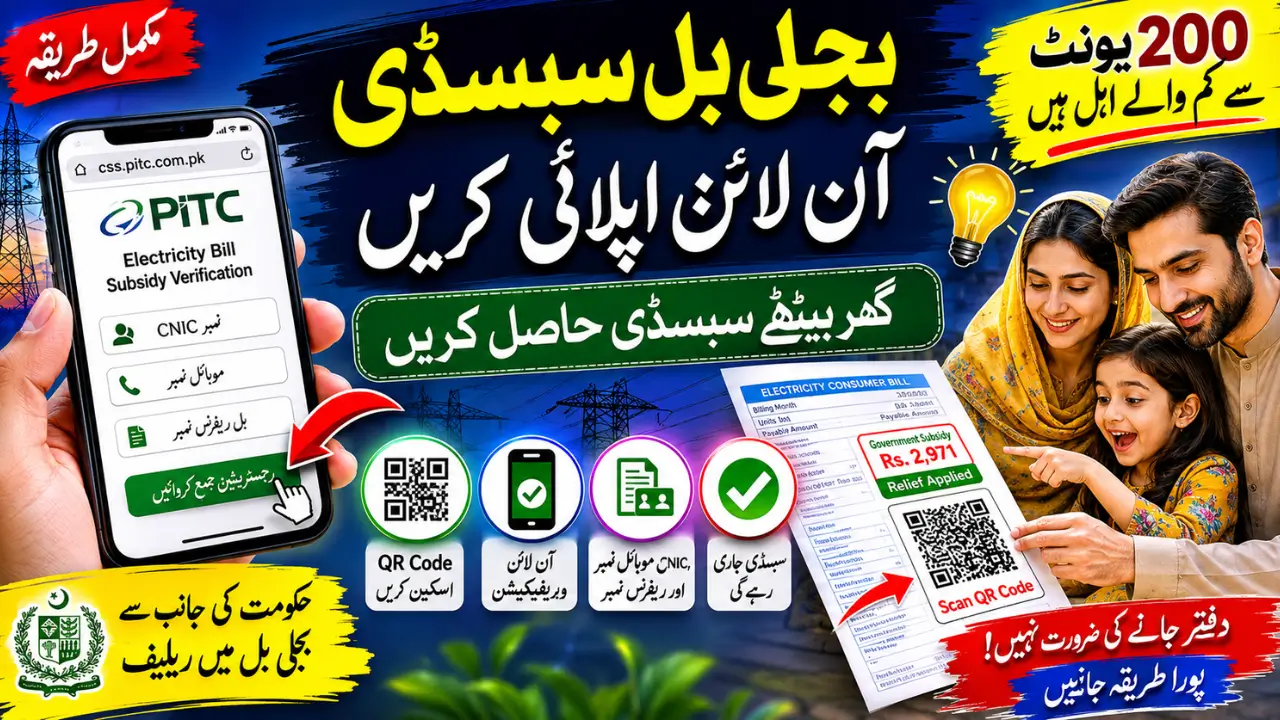
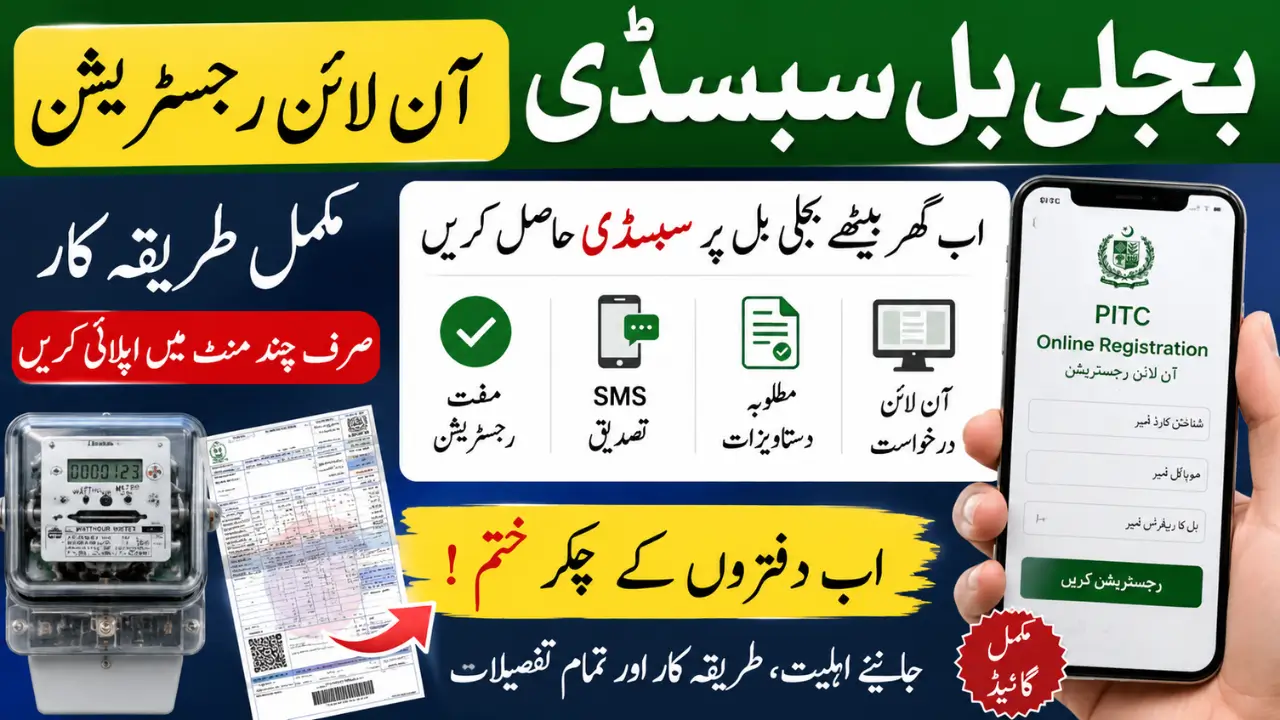
CSS PITC COM PK Online Registration Step by Step
Step 1 – Open the Official Portal
Visit the official PITC registration portal using your mobile phone or computer.
Use only the official website and avoid random Facebook links or unofficial pages.
Step 2 – Enter Bill Reference Number
Take your latest electricity bill and enter the reference number exactly as printed.
Even one incorrect digit can stop verification.
Step 3 – Add CNIC and Mobile Number
Now enter:
- Your CNIC number
- Active mobile number
The system automatically checks your information through digital verification databases.
Step 4 – Complete Captcha or QR Verification
Some users may also need to:
- Enter a captcha code
- Scan QR code printed on the bill
- Verify through OTP or SMS
QR verification has become common in newer electricity bills across Pakistan.
Step 5 – Submit Registration
Carefully review all details before clicking submit.
Once submitted, your application moves into the verification process.
Step 6 – Wait for SMS Confirmation
Eligible applicants usually receive updates through SMS notifications.
Sometimes the portal becomes slow during peak traffic hours, especially after government subsidy announcements.
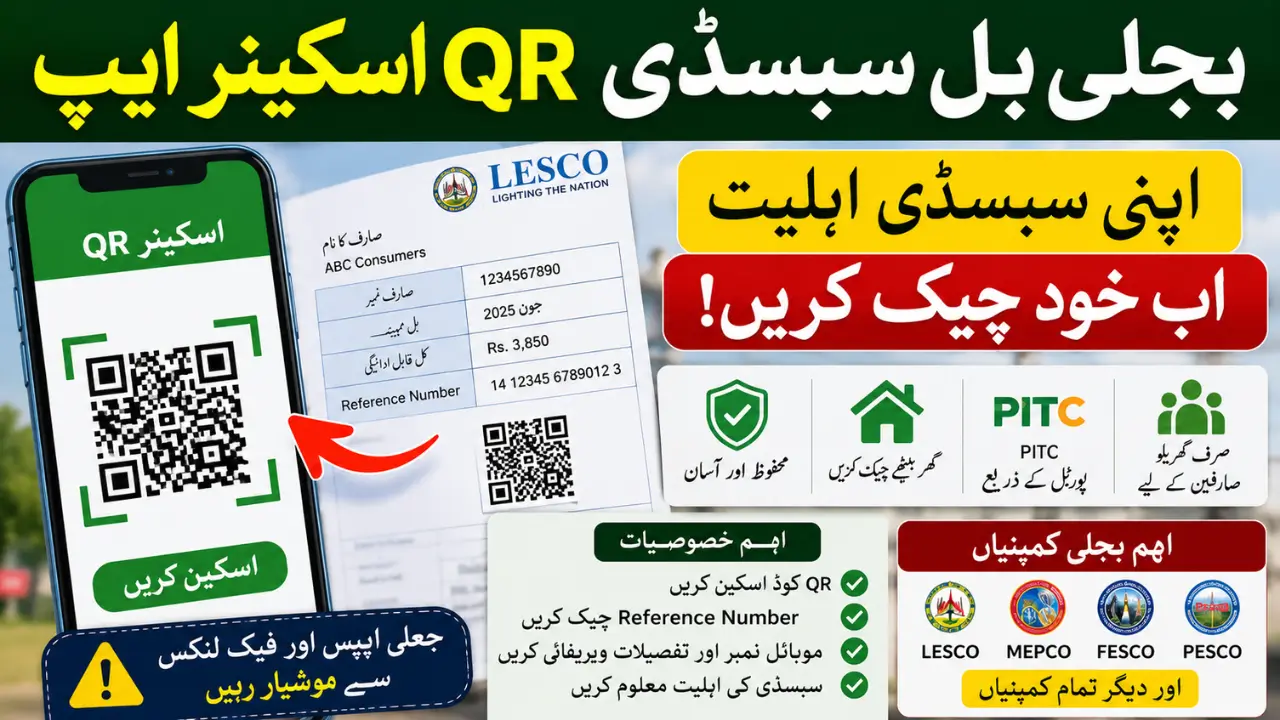
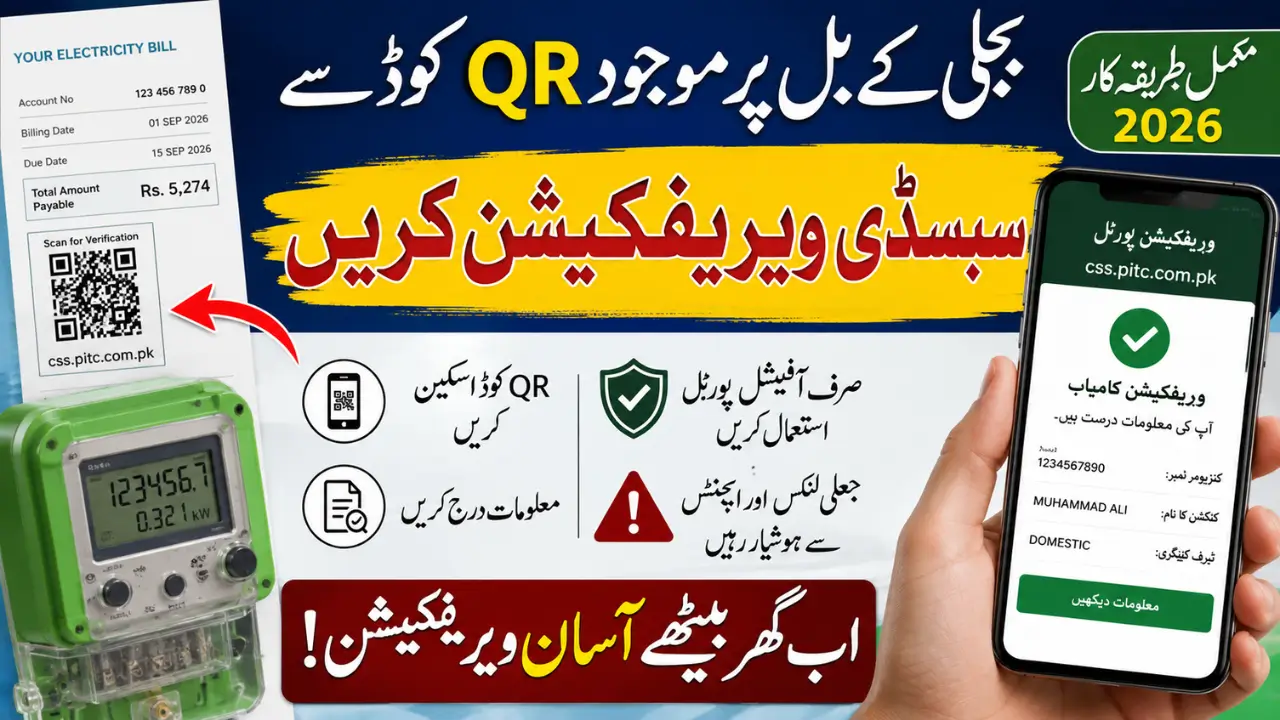
How QR Code Verification Works
Many electricity bills now include a QR code for faster verification.
This feature is especially helpful for users who struggle with manual website navigation.
QR Verification Method
- Open your mobile camera
- Scan the QR code printed on your electricity bill
- Open the redirected PITC page
- Enter required details
- Submit verification request
This process is becoming popular in both cities and smaller towns because it saves time.
Major Benefits
- Free registration
- Mobile-friendly process
- Faster verification
- No office visits
- Useful for rural areas
- Easier for elderly users and women
- Better transparency compared to manual systems
For many families, even a small reduction in electricity expenses helps manage monthly budgets more comfortably.
Important Safety Tips Before Applying
Scam pages and fake agents are becoming common as subsidy-related searches increase.
Keep these precautions in mind:
- Registration is completely free
- Never pay agents for approval
- Use only official PITC portals
- Save screenshots after submission
- Keep your latest bill ready
- Ignore fake “guaranteed approval” offers on social media
No genuine government subsidy program asks for payment through WhatsApp or personal bank accounts.
FAQs
Is css.pitc.com.pk registration free?
Yes, the entire registration process is free for eligible users.
Can I apply using my mobile phone?
Yes, the portal works on smartphones, tablets, and desktop computers.
What electricity users usually get priority?
Low-consumption residential consumers are generally prioritized.
Can BISP beneficiaries apply?
Yes, many BISP-linked families may qualify depending on verification records.
How long does approval take?
Some applicants receive SMS updates quickly, while others may wait several days depending on verification load.
What should I do if the portal shows server error?
Wait for some time and try again during non-peak hours.
Final Words
The growing popularity of css.pitc.com.pk shows how strongly Pakistani families are searching for relief from rising electricity bills in 2026.
The biggest advantage of the PITC online system is convenience. People can now apply from home without dealing with paperwork, office visits, or unnecessary middlemen.
If your household falls within the eligibility criteria, applying early may help you receive subsidy-related relief in upcoming billing cycles. Just make sure your details are accurate and always use the official PITC portal only.